Pregnancy Tracker, Maternity
- 4.6
- Rating
- 5.00M
- Installs
- Free
- Price

 Analysis by App-foxy
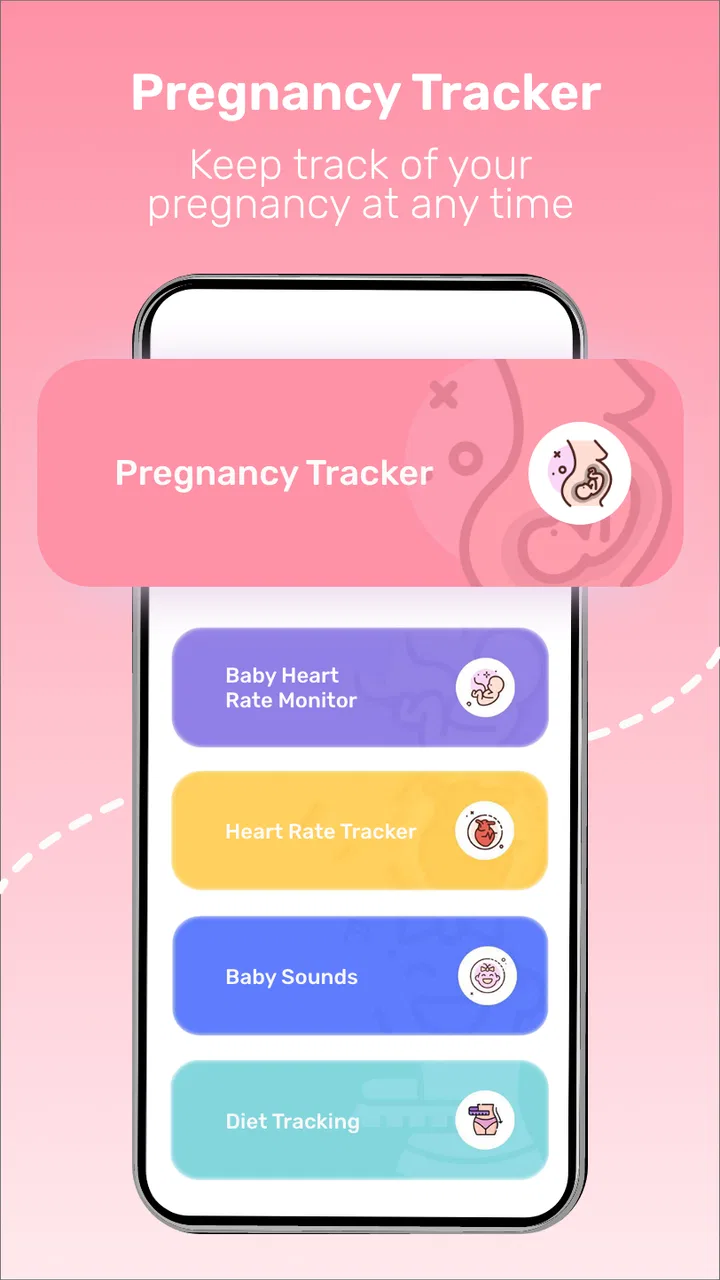
Pregnancy Tracker, Maternity is the kind of parenting app I would open when I want a simple place to follow pregnancy-related information rather than assemble several separate tools. Its focus is clear: pregnancy tracking, a kick counter, a contraction counter, and a way to record the baby’s and mother’s heart rate. I found that combination useful because these tasks often appear at different moments of the day, when I do not want to search through unrelated menus or switch between multiple apps.
What makes the app worth considering is not that it replaces professional care—it does not—but that it can help turn scattered observations into a routine. The free download makes it easy to try, and the Everyone age rating keeps the presentation broadly accessible. At the same time, anyone expecting medical interpretation, diagnosis, or a substitute for a midwife or doctor should look elsewhere for that part of the experience. I see this as a personal tracking companion, not a medical authority.
Where the everyday experience can become confusing
The first point of friction is deciding what to record and when. A kick counter sounds straightforward, but it is most useful when I use it consistently: choosing a calm period, avoiding comparisons with someone else’s routine, and treating the result as a personal observation rather than a universal target. The same applies to contractions. Starting and stopping entries accurately matters more than tapping quickly, especially when contractions become irregular or difficult to distinguish.
You May Also Like

 Pandora - Music & Podcasts
Pandora’s Music Is Easy to Start, but Harder to Recover
Pandora’s strength is its low-effort path from a seed to a station. Its weak spot is how much confidence it asks you to place in connection, setup, and quiet recovery.

 8 Ball Pool
 Is Built on Rivalries, Rematches, and Routine
A close look at the rivalries, rematches, shared routines, and unanswered safety questions that turn a quick pool match into a persistent mobile community.

 Samsung Music
’s Quiet Strength Is Playing What You Already Own
Its reach comes less from spectacle than from dependable access to a personal library. That simplicity is both the app’s strongest retention engine and its ceiling.

 AccuWeather: Weather Radar
AccuWeather Review: A Quick, Clear Forecast for Everyday Decisions
For everyday plans, the best forecast is the one you can understand quickly. AccuWeather makes rain timing, radar, and local conditions easy to act on, with a few trade-offs.

 Hill Climb Racing
Why Hill Climb Racing Still Turns Crashes Into One More Run
A tiny car, a bumpy hill and one more upgrade: Hill Climb Racing keeps resurfacing because its simple chaos makes every near-miss feel personal.

 AliExpress - Shopping App
AliExpress Makes Global Shopping Feel Personal, but Shoppers Bear the Risk
AliExpress turns a global marketplace into a pocket-sized discovery engine. Its reach is useful, its shopping loop compelling, and its trade-offs easy to miss.
More From Our News Desk
View All News


That distinction is important because an app can time an event, but it cannot decide whether a sensation is medically significant. If a pattern worries me, or if a healthcare professional has given instructions that differ from my personal tracking routine, those instructions take priority. The app’s value is in helping me remember what happened and communicate it more clearly, not in telling me what action to take.
The heart-rate tools require even more care. A recorded number can look precise while still being affected by movement, timing, device limitations, or the way the measurement was obtained. I would never use an entry from this app to reassure myself that everything is fine or to dismiss a concern. If a reading seems unusual, repeated, or difficult to understand, the sensible next step is professional advice.
Another possible sticking point is expecting every part of the app to behave like a full pregnancy journal. Its store summary highlights specific tracking functions, so I approached it as a focused utility rather than an all-purpose diary, appointment manager, or replacement for a clinic portal. That expectation makes the experience easier to judge. It is strongest when I need a quick record of a particular activity, not when I want an extensive medical history.
What I would clarify before relying on it
I would first decide which task I actually need. Someone mainly interested in pregnancy milestones may prefer a conventional pregnancy guide with broader educational content. Someone who wants to time contractions or note movement may appreciate this narrower approach. Someone who needs shared records for a partner or clinician should also think about how they will transfer the information, rather than assuming the app automatically becomes part of a care team’s workflow.
The app is free to install, but it includes optional purchases priced from $4.99 to $29.99 per item. That is worth remembering before treating it as a completely cost-free long-term tool. I would explore the free experience first, identify which functions are genuinely useful, and only then decide whether an optional purchase fits my needs. This avoids paying simply because a feature appears attractive during an anxious moment.
Because the developer is Appwest Limited and the current version is 1.28.0, I would also keep the app updated through the normal app-store process when an update is offered. Updates can matter for stability, but they are not a reason to ignore basic checks such as restarting the app or confirming that the phone is running a compatible system. The minimum operating system is Android 6.0, so older devices may still be supported, although performance can vary with the phone itself.
Setup checks that prevent avoidable problems
My preferred setup is deliberately small. I install the app, open each tracking area once, and make sure I understand where an entry begins, where it ends, and where the result is displayed. I do not wait until a stressful situation to learn the difference between a kick session and a contraction timer. A short practice run with no medical meaning can reveal whether the controls feel obvious enough for real use.
I would also prepare a consistent routine. For movement tracking, I would choose a time when I can sit quietly and pay attention instead of trying to count while commuting, cooking, or caring for another child. For contractions, I would keep the phone close and avoid switching between apps unless necessary. The practical insight here is that setup is not just installation; it is reducing the number of decisions I must make when I am tired or distracted.
Before recording heart-rate information, I would be clear about the source of the number. If I am entering an observation manually, I would label it mentally as a record of what I observed, not as a verified clinical measurement. If I am using a connected or external method, I would follow that device’s instructions separately. The app should be the notebook for the result, not the reason I assume the result is medically dependable.
I would keep the phone charged when I expect to use the contraction counter or a longer tracking session. This sounds obvious, but it is one of the few practical preparations that directly affects reliability. A dead phone cannot preserve a timing routine, and trying to reconstruct events from memory later is much less useful. I would also avoid beginning a session while an operating-system update, incoming call, or other interruption is likely to take over the screen.
Privacy is another setup consideration, even without making assumptions about the app’s policies. Pregnancy records are personal, so I would avoid entering anything I do not need for the tracking task. I would use the phone’s ordinary security protections and think carefully before handing the device to someone else. Keeping entries focused makes them easier to review and reduces the amount of sensitive information stored in one place.
The app has a 4.6 average from around 18 thousand ratings, and it has passed five million installs, which suggests that many people find the general concept useful. Those figures do not guarantee that every phone, pregnancy routine, or accessibility need will feel equally comfortable. I would still judge it by a short trial on my own device, particularly if I need large controls, rapid entry, or dependable use during interruptions.
Recovering a workflow when something goes wrong
If a timer seems not to have recorded correctly, I would first reconstruct the simplest explanation. Did I start the wrong counter? Did I leave the screen before ending the session? Did a call or notification interrupt the interaction? Did I assume that opening a section automatically began recording? These checks are more useful than immediately deleting and reinstalling the app, because they identify whether the problem is a misunderstanding of the workflow or a genuine technical failure.
When an entry is missing, I would avoid inventing a precise replacement. I might add a note outside the app for my own memory, but I would keep the uncertainty clear when discussing it with a healthcare professional. A made-up exact time can be more misleading than an honest statement that a session was interrupted. This is especially important for contraction timing, where the pattern matters and false precision can create unnecessary worry.
If the app stops responding, I would close and reopen it, check the phone’s available storage, and restart the device before taking more drastic steps. I would only reinstall after considering whether doing so could remove locally stored entries. Since the app is being used for personal records, I would not assume that uninstalling and reinstalling is harmless. If an important record exists, I would preserve it in whatever safe, ordinary way is available before experimenting.
For a counter that seems inconsistent, I would run a short non-clinical test at a quiet time. I would tap start, wait, tap stop, and confirm that the result appears where I expect. If the behavior is reliable during the test but not during real use, the issue may be interruptions, rushed tapping, or the phone locking. That insight changes the solution: keeping the device accessible may help more than changing settings repeatedly.
When an optional purchase does not appear to unlock what I expected, I would check that I am using the same store account and that the transaction has completed before attempting another purchase. I would not repeatedly pay while troubleshooting. The safest approach is to pause, retain the receipt, and use the store’s normal support route if the purchase remains unresolved. The app’s free entry point makes testing sensible, so there is little reason to rush into a second transaction.
When the app is not the cause
Pregnancy can make ordinary phone friction feel more serious. A missed entry may happen because I was tired, distracted, or responding to a child, not because the tracker failed. A confusing contraction pattern may reflect the body’s changing sensations, not a defective timer. A heart-rate number that looks surprising may be connected to the measurement method or the moment it was taken. Separating app behavior from real-world circumstances helps prevent the wrong kind of troubleshooting.
The most important boundary is medical. If there is pain, bleeding, reduced movement, a concerning change in symptoms, or any situation that feels urgent, I would contact an appropriate healthcare professional or emergency service instead of spending time trying to make the app produce a clearer answer. The tracker can help me describe what I noticed, but it should never delay care.
I would also avoid comparing my records with another person’s records as though the app creates a shared standard. Personal tracking is most useful when it establishes a baseline for discussion with a clinician. It becomes less helpful when it turns into a competition or a source of constant checking. For an anxious user, a broader educational app with carefully structured guidance—or direct reassurance from a care provider—may be better than repeatedly opening a counter.
This is where the usual alternatives have an advantage. A paper notebook is less dependent on battery, updates, or screen interaction, and it can be handed directly to a clinician. A phone’s basic timer may be faster for someone who only needs contraction intervals. A clinic’s own system may be more appropriate for formal medical records. On the other hand, a notebook does not automatically organize a repeated tracking task, while a general timer may not keep kick and contraction activities together. Pregnancy Tracker, Maternity sits between those choices: more focused than a generic timer, but not a complete clinical record.
I would skip it if I want detailed week-by-week education, appointment reminders, nutrition planning, community discussion, or a comprehensive birth-preparation program. I would also skip it if I know I will treat every recorded number as a diagnosis. The app makes more sense for someone who wants focused tracking and is comfortable interpreting the records cautiously, with professional guidance when needed.
My practical verdict after using it as a focused tracker
The best way to use Pregnancy Tracker, Maternity is as a calm record-keeping tool, not as a medical decision-maker. I like the concentration on movement, contractions, and heart-rate records because it gives the app a clear purpose. Instead of filling the screen with unrelated pregnancy content, it supports a few tasks that can matter in everyday routines. That focus is also its main limitation: users seeking a complete pregnancy companion may find the scope too narrow.
In a realistic evening scenario, I might finish dinner, sit down for a quiet movement-counting session, and use the app to keep my attention on the task rather than trying to remember each observation. On another day, I might use the contraction counter while keeping the phone nearby and then describe the pattern to my care provider. In both cases, the useful result is not a diagnosis; it is a clearer account of what happened and when.
I would recommend starting without an optional purchase, learning the controls during a calm moment, and deciding whether the free experience matches the routine I actually need. I would keep a backup habit for important information, especially if a healthcare professional has asked for records. I would also treat any missing or questionable entry honestly instead of filling gaps with guesses.
For a free parenting app with an Everyone age rating, broad availability, and a current version of 1.28.0, it is a reasonable option to test when focused pregnancy tracking is the goal. The five-million-plus install reach and strong average rating make it easy to understand why it attracts attention, but my recommendation is still conditional. Choose it for simple, repeated observations; choose a general pregnancy guide for education; choose a basic timer for one narrow task; and choose professional care whenever the question is medical rather than organizational.
My final view is positive but measured. I would keep this app on my phone if I wanted kick and contraction tracking in one place and was willing to build a careful routine around it. I would not let its numbers replace clinical advice, and I would not pay for extras before confirming that the core workflow fits my day. Used with those limits, Pregnancy Tracker, Maternity can make personal observations easier to capture without pretending that a phone can manage pregnancy on its own.
FAQs for Pregnancy Tracker, Maternity
01What features does the Pregnancy Tracker, Maternity app offer?
The Pregnancy Tracker, Maternity app provides comprehensive features such as weekly updates on fetal development, personalized health tips, appointment reminders, and a kick counter. It also includes a contraction timer and a journal to document your pregnancy journey. These tools help ensure a well-informed and organized experience for expecting parents.
02Is the Pregnancy Tracker, Maternity app free to use?
The app offers a free version with essential features like fetal development updates and basic health tips. However, there is a premium version available via in-app purchases, which includes additional features such as advanced health insights, customizable content, and ad-free usage for an enhanced experience.
03How accurate is the information provided by the app?
The Pregnancy Tracker, Maternity app sources its information from reputable medical professionals and institutions to ensure accuracy. It is regularly updated to reflect the latest research and guidelines. However, it is always recommended to consult with healthcare providers for personalized medical advice and support.
04Can I use the app to track multiple pregnancies?
Yes, the Pregnancy Tracker, Maternity app allows users to track multiple pregnancies simultaneously. You can easily switch between profiles to monitor each pregnancy individually. This feature is especially useful for parents expecting twins or those who want to document different pregnancies over time.
05Does the app provide community support or forums?
The app includes a community feature where users can engage with other expectant parents. This forum allows for sharing experiences, asking questions, and receiving support from a community of individuals undergoing similar experiences. It fosters a sense of connection and support during the pregnancy journey.
Pros
- User-friendly interface for easy navigation.
- Comprehensive week-by-week pregnancy guide.
- Personalized tips for each trimester.
- Daily health and wellness reminders.
- Integration with wearable devices for tracking.
Cons
- Limited customization for notifications.
- Requires in-app purchases for full access.
- Some features need internet connection.
- Occasional ads in the free version.
- No option for partner accounts.

Pregnancy Tracker, Maternity
Gallery